
Updated on
1. Account
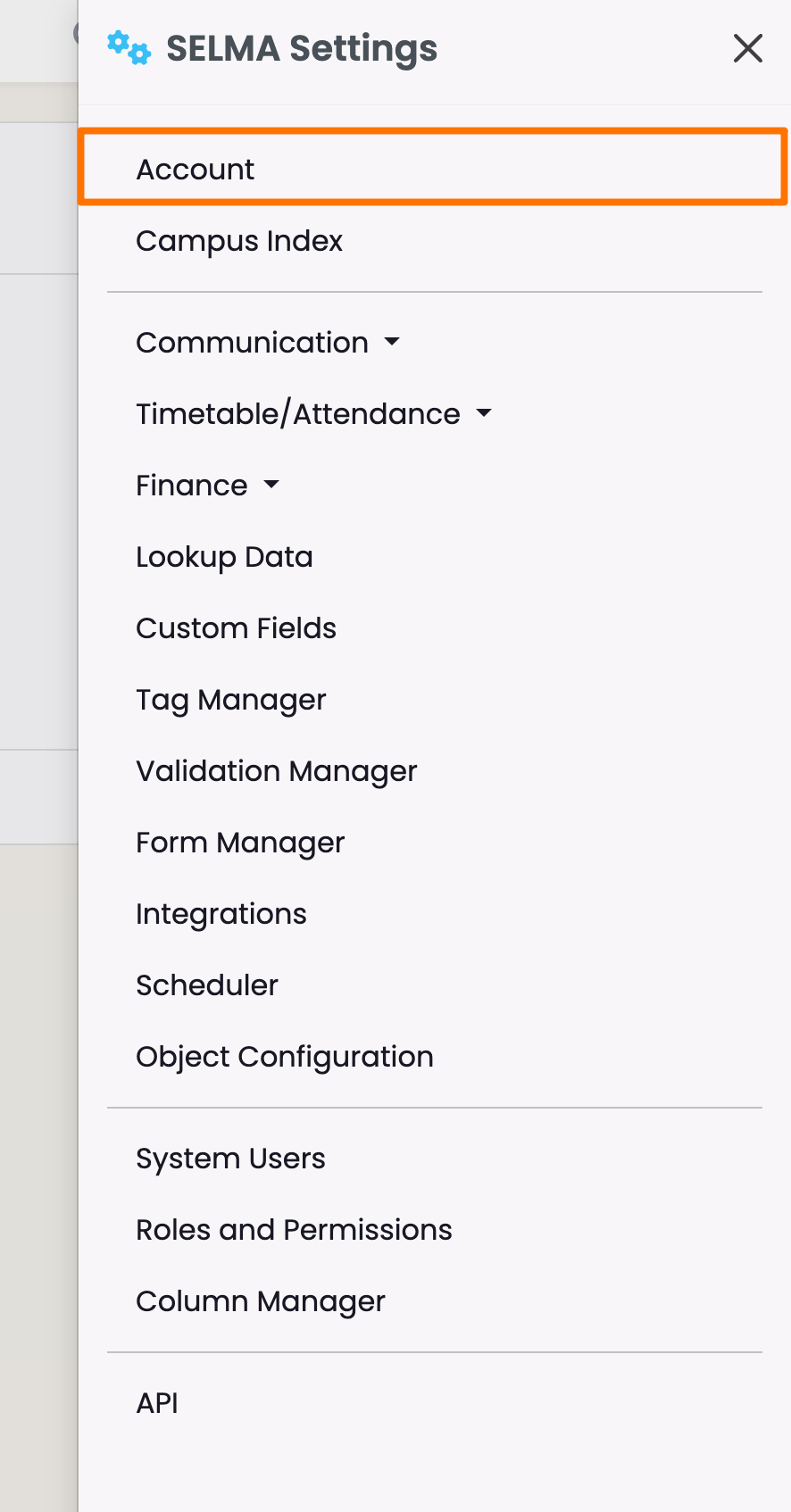
Click the cog icon in the top navigation bar (red).
Find your Account Details
Click the cog icon in the top navigation bar (red).
Click "Account".
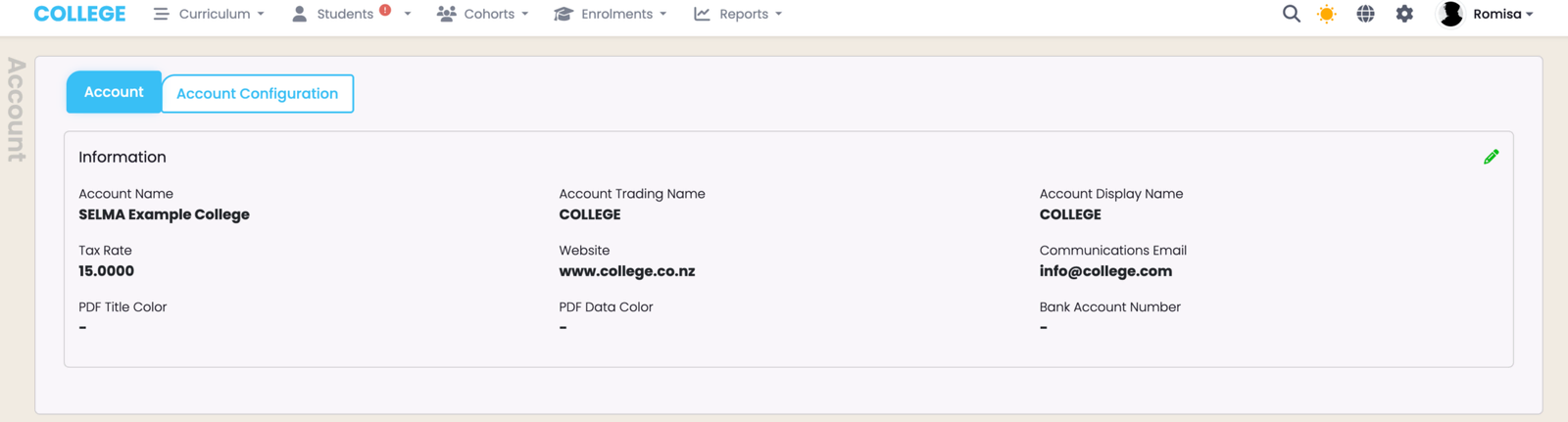
Account Tab
The Account tab is where you can make changes to the basic details set-up by SELMA.
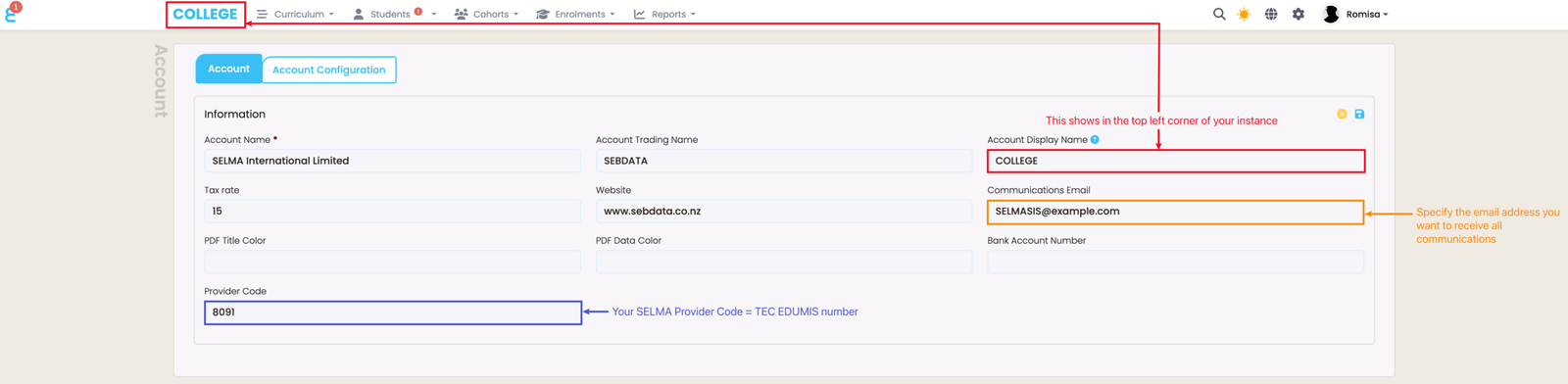
Set-up key parameters such as your Account Display Name, EDUMIS/Provider Code, and your email address for all SELMA communications, such as emails, texts and copies of form submissions (if the form module is enabled).
Account Configuration Tab
The Account Configuration Tab is where you should enable:
- Awards
- Orders
- Quotes

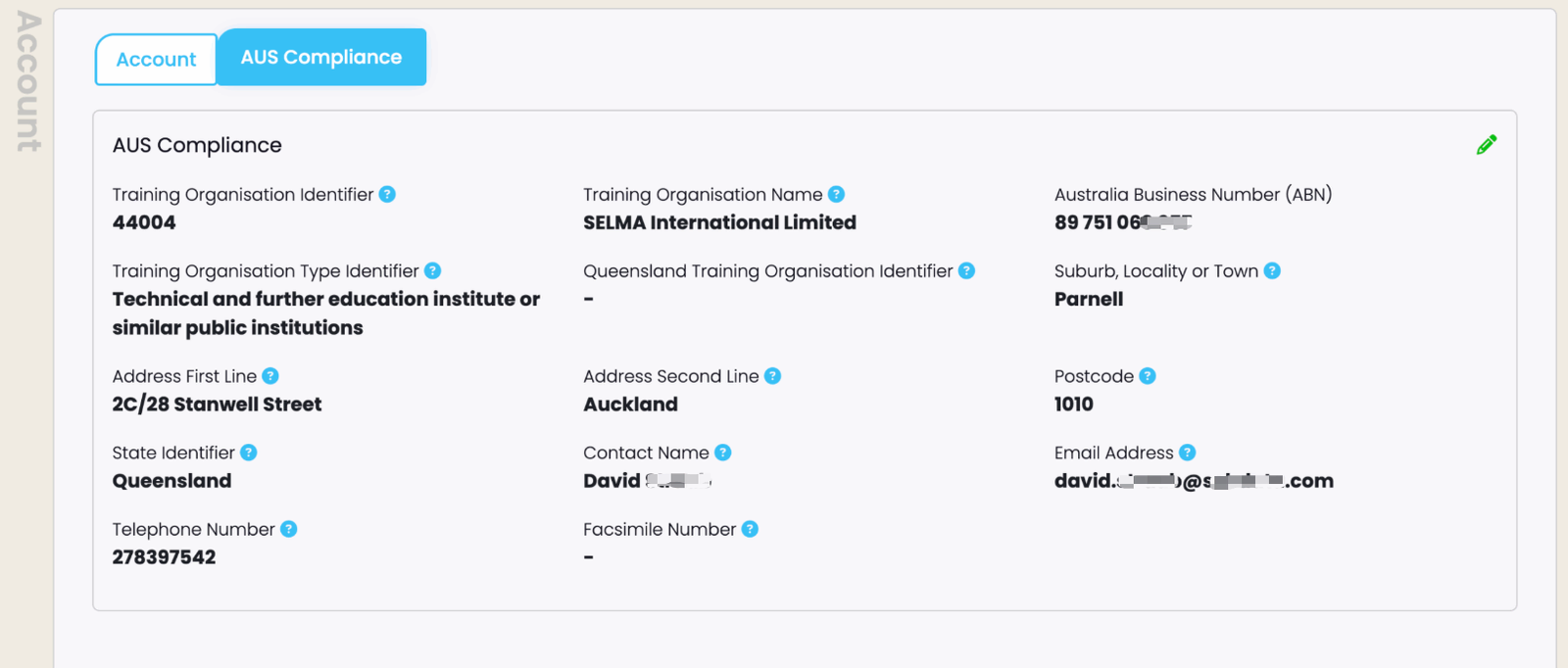
AUS Compliance Tab
Australian-based providers will see an additional tab under their Account: "AUS Compliance".
Last updated
Was this page helpful?