
Updated on
Contact Portal (For Stakeholders)
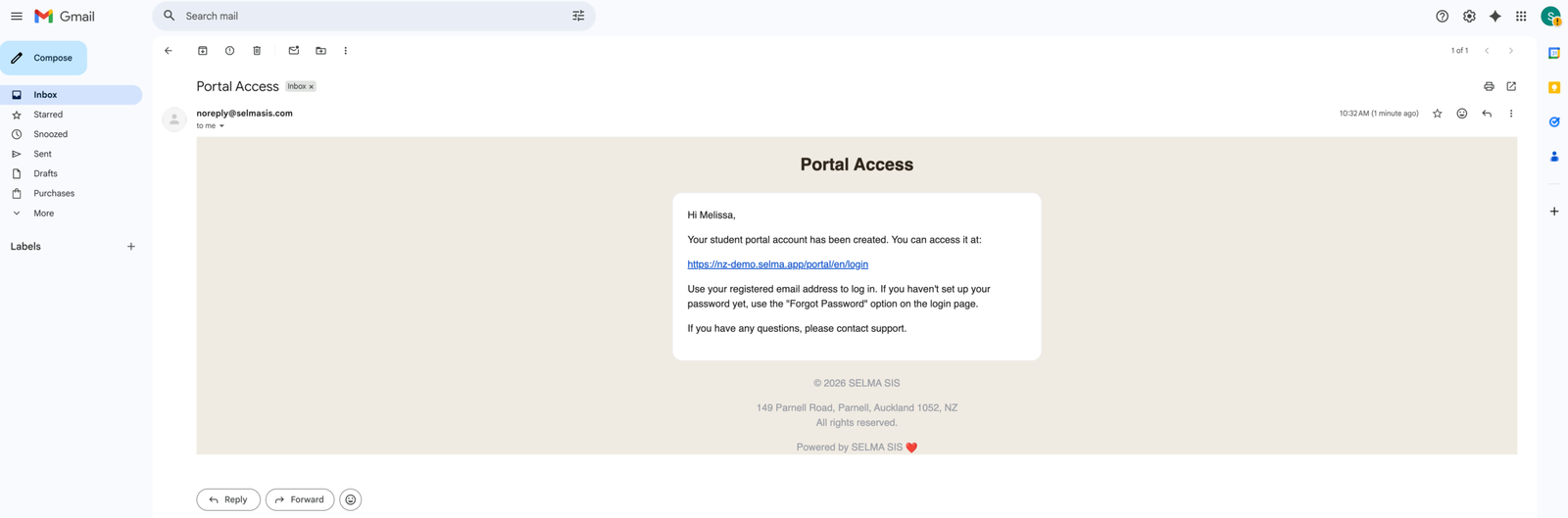
Click the portal invitation link in your primary email inbox. Then, follow the instructions, and set-up a password via the “Forgot Password” option.
Please send the following article to the Stakeholder i.e. Contact who is working with your Organisation.
How to Enrol Students
Click the portal invitation link in your primary email inbox. Then, follow the instructions, and set-up a password via the “Forgot Password” option.
- NOTE: The portal invitation email may be found in your spam/junk folder.
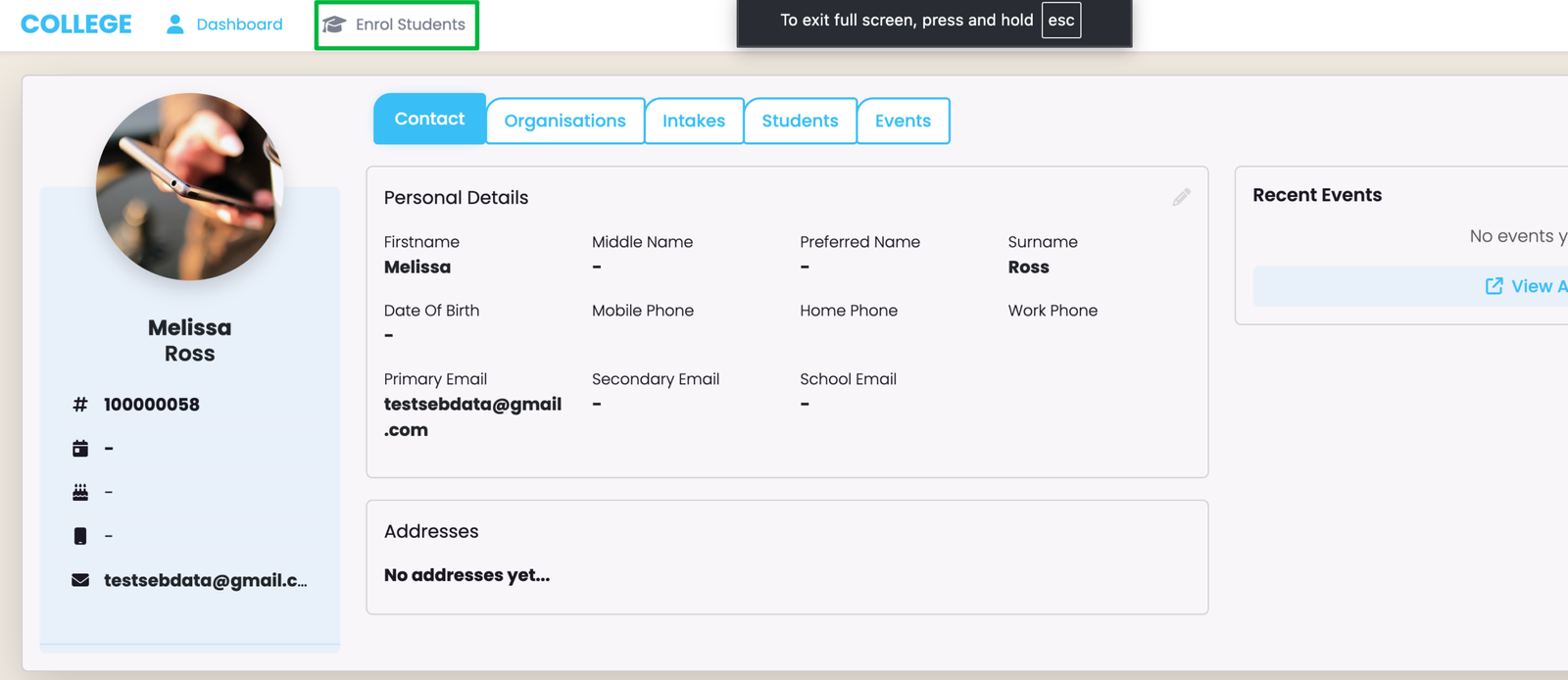
Click the link “Enrol Students” on the top navigation bar.
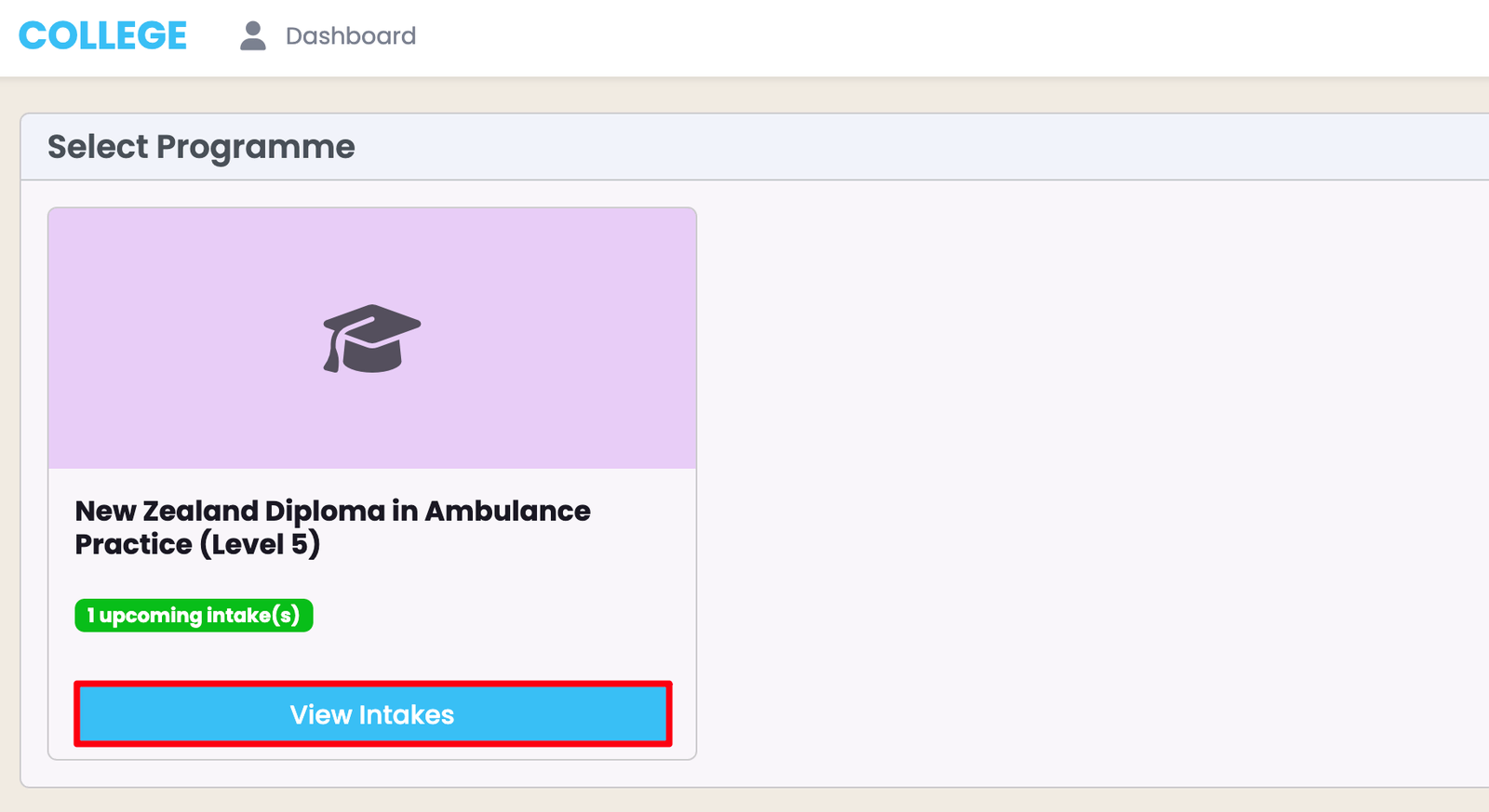
You will see all available Programme/s, here. Click the "View Intakes" button to select a Programme.
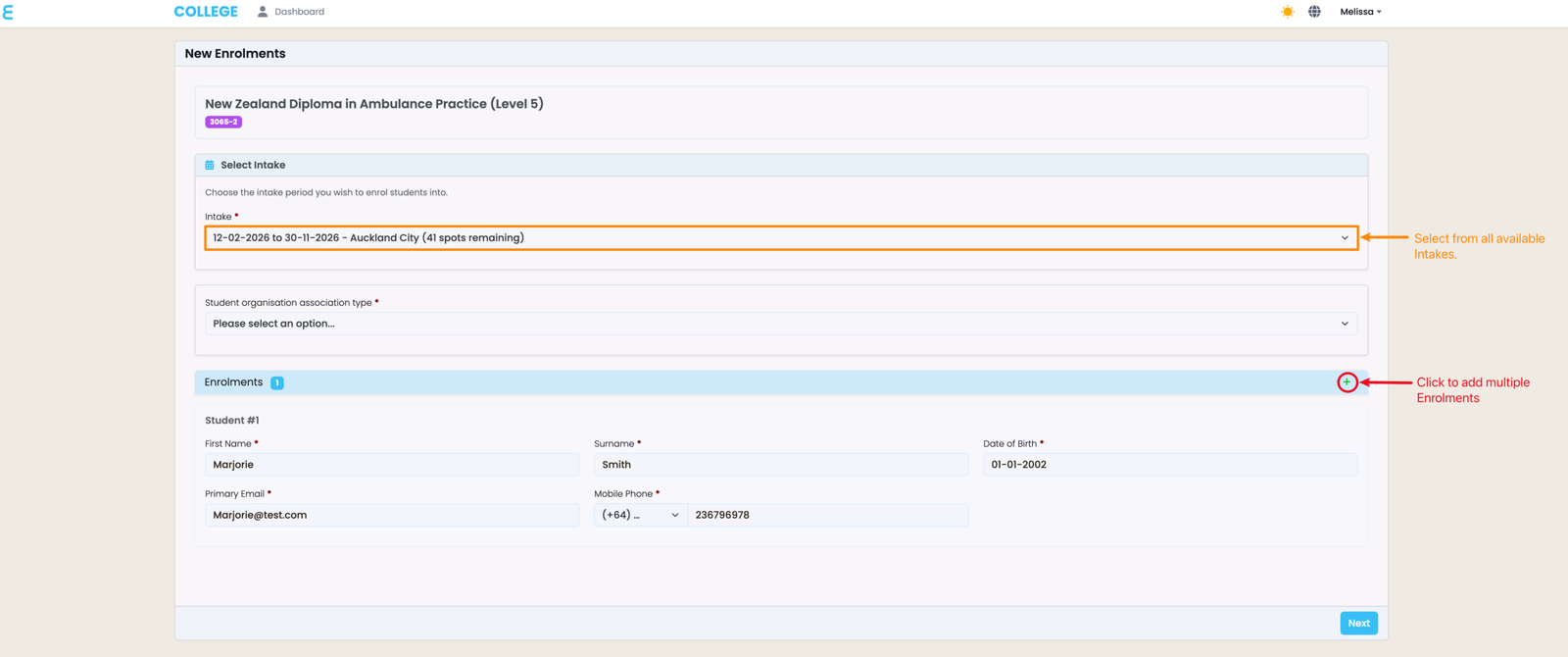
Fill out the required fields, as marked by red asterisks.
- NOTE: You can see specific details about each Intake (orange), including how many spots are remaining in the Intake. You can also select multiple Enrolments, using that number to guide you.
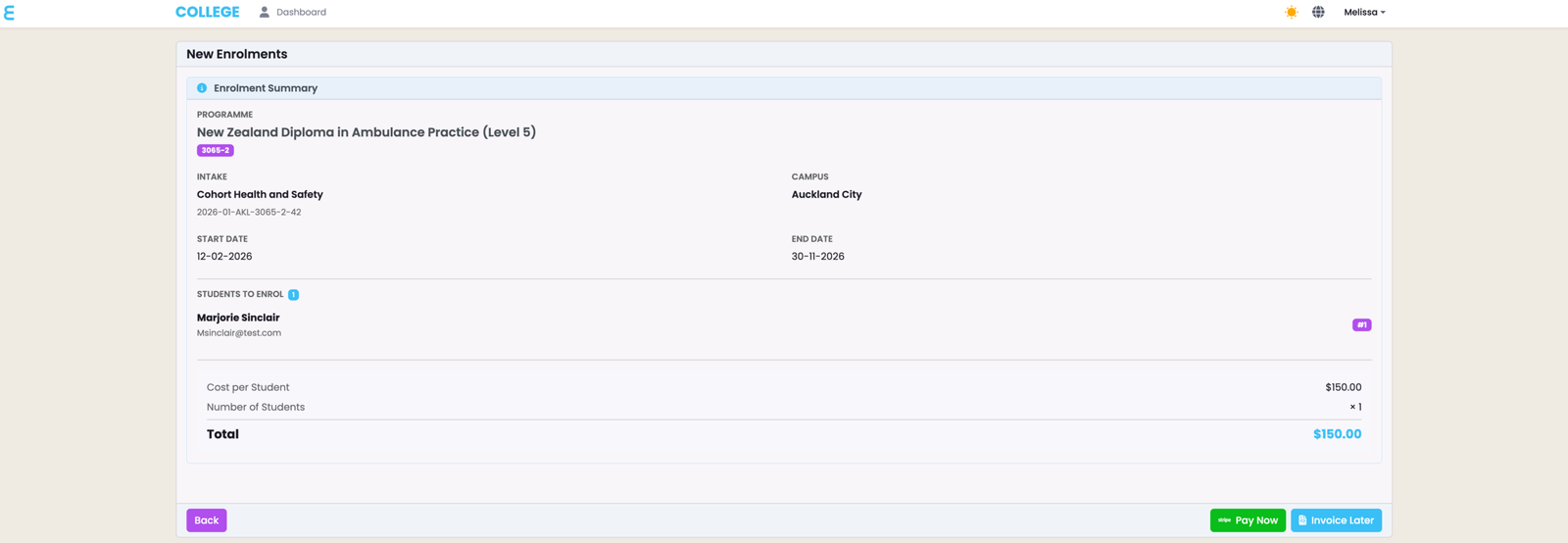
Review all details before choosing to pay immediately (green button), or generating an invoice to send as an email to your Primary Email address.
- NOTE: Once this is done, the Contact’s Fees tab will show the sum of fees associated with Enrolments.
Last updated
Contact Portal (For SELMA Users)
The Contact Portal grants the Stakeholder access to associated Student and Enrolment records, and allows them to enrol Students into Intakes.
Google (Account-Level Emails) – Setup
Enabling the Google Integration in SELMA allows you to use your organisation's Google mailbox(es) for emailing directly in SELMA. As such, emails sent…