
Updated on
2. Create and Manage Contacts
There are multiple Contact types in SELMA, including and limited to:
Contact Types
There are multiple Contact types in SELMA, including and limited to:
- Emergency Contact
- Manager
- Employee
- Supervisor
- Marker
- Assessor
- Contractor
- Agent
Additional Contact types can be added via Lookup Data.
- Please see System Settings - Lookup Data in this guide for more.
Create Contacts
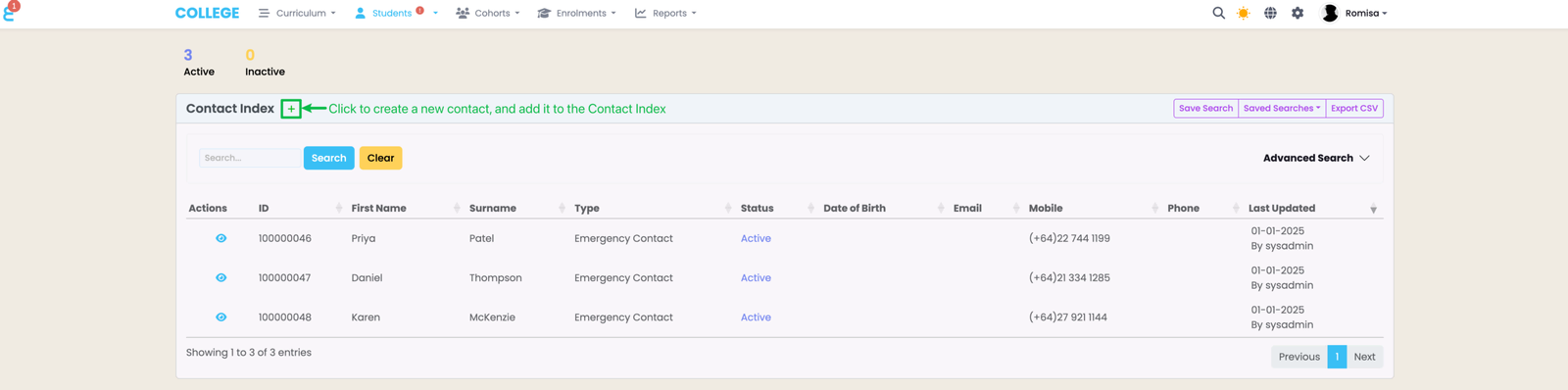
Click the green "+" button to add a new Contact to the Contact Index.
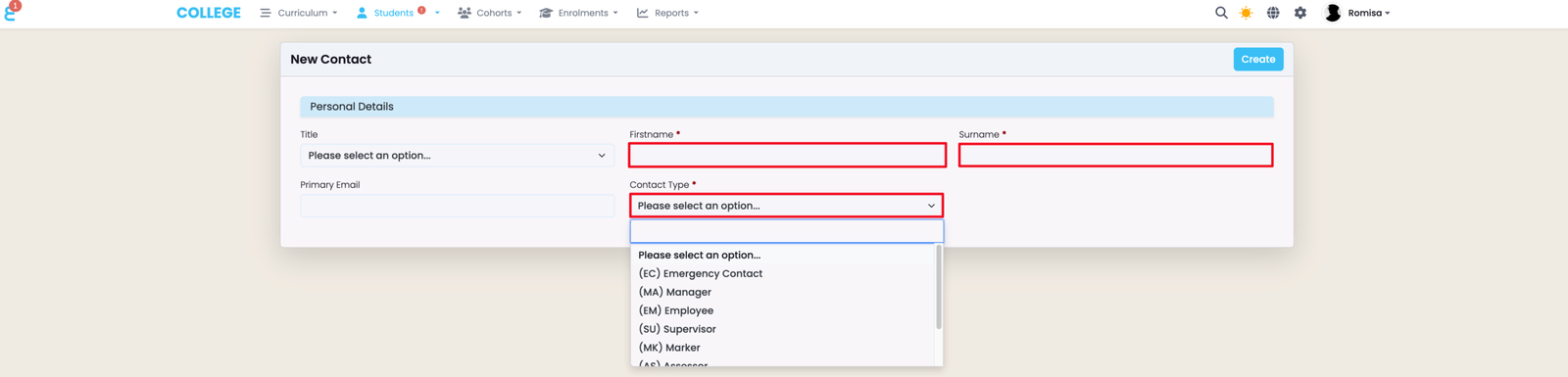
Asterisks beside field titles indicate required fields (red). Click the blue "Create" button to save the new Contact to the Contact Index.
Manage Contact Records
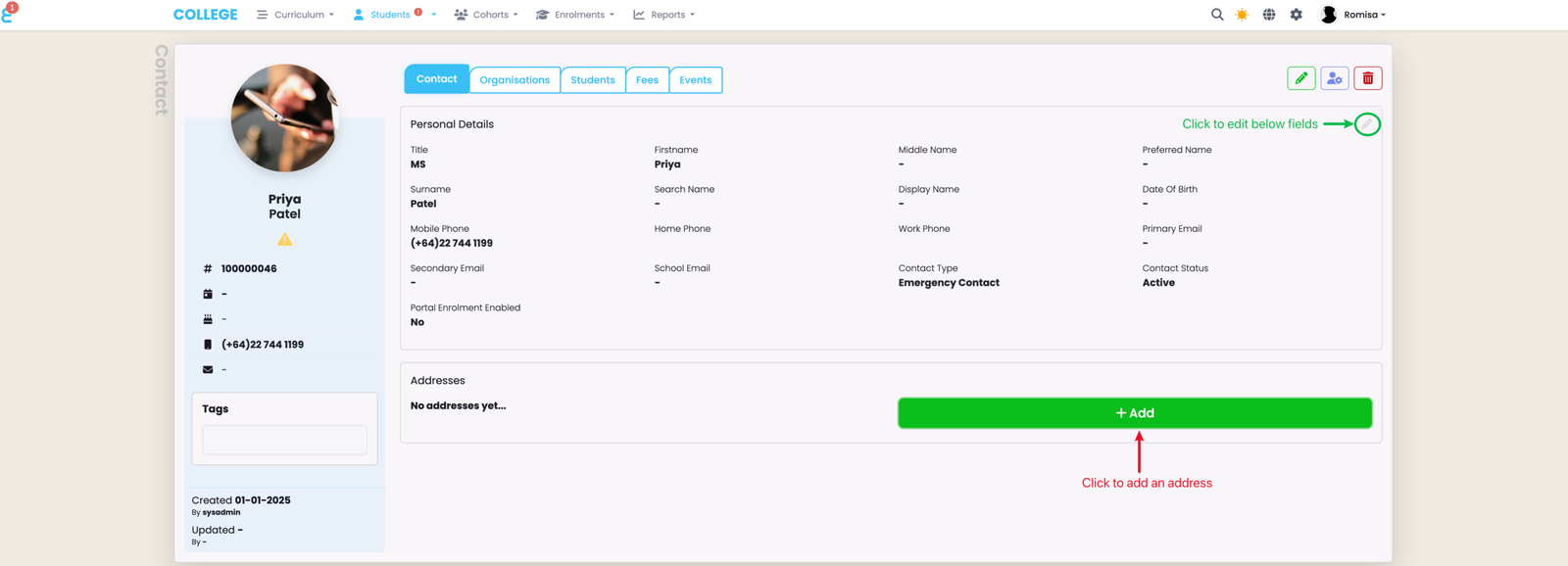
A Contact profile includes five tabs which can be edited depending on the editor's User Role, and, therefore, access rights.
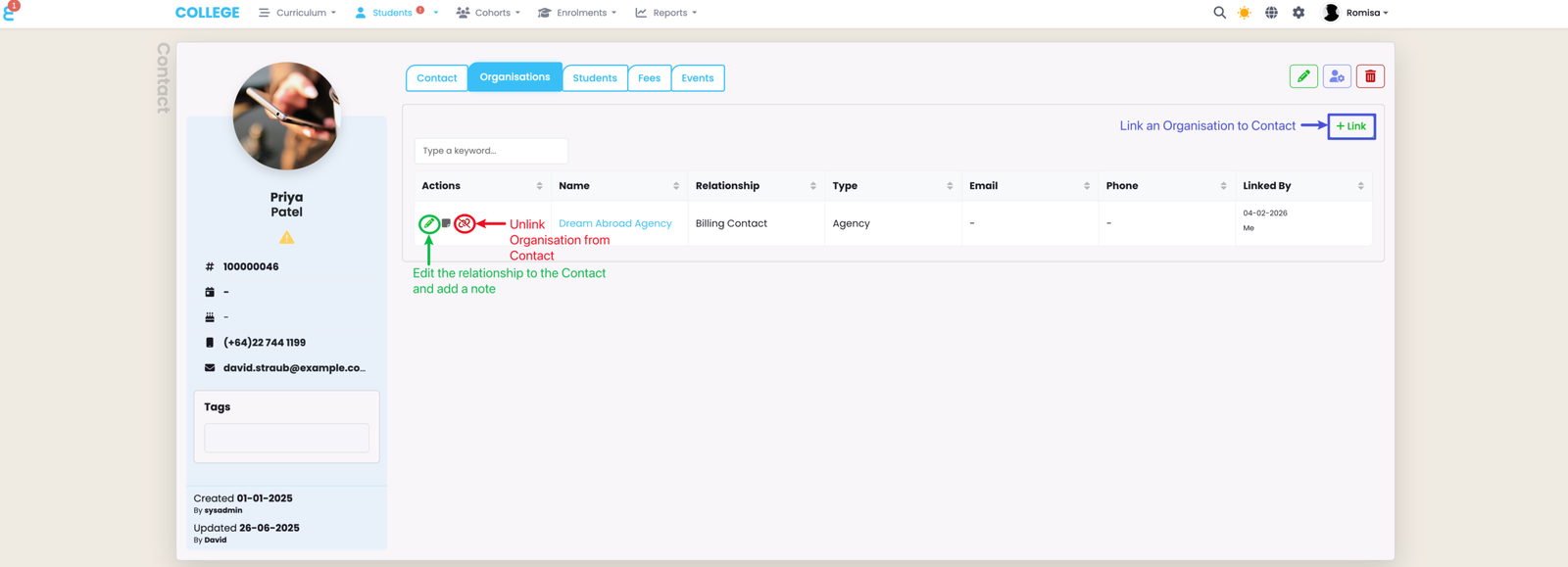
Link an Organisation to a Contact, or unlink an existing Organisation from a Contact.
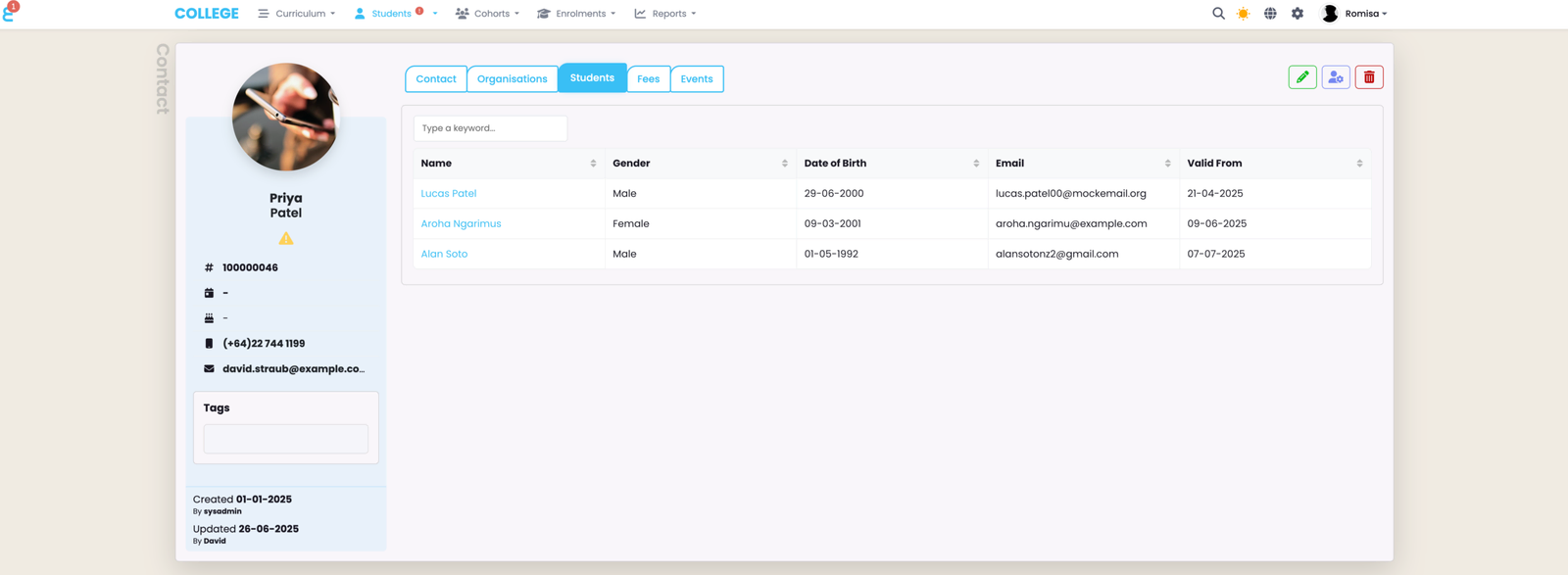
See a list of Students linked to a Contact record. Click their blue highlighted names to be taken directly to their Student profile pages.
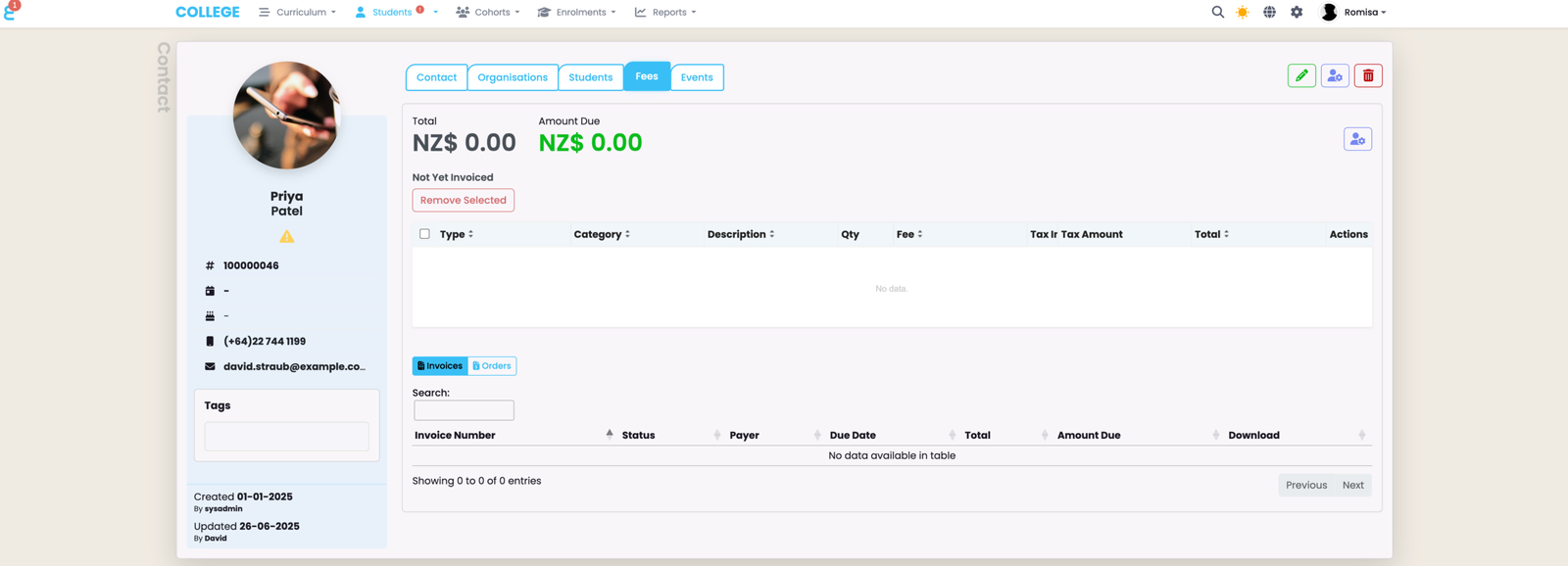
This is where Users and Contacts can see invoices and orders associated with a Contact.
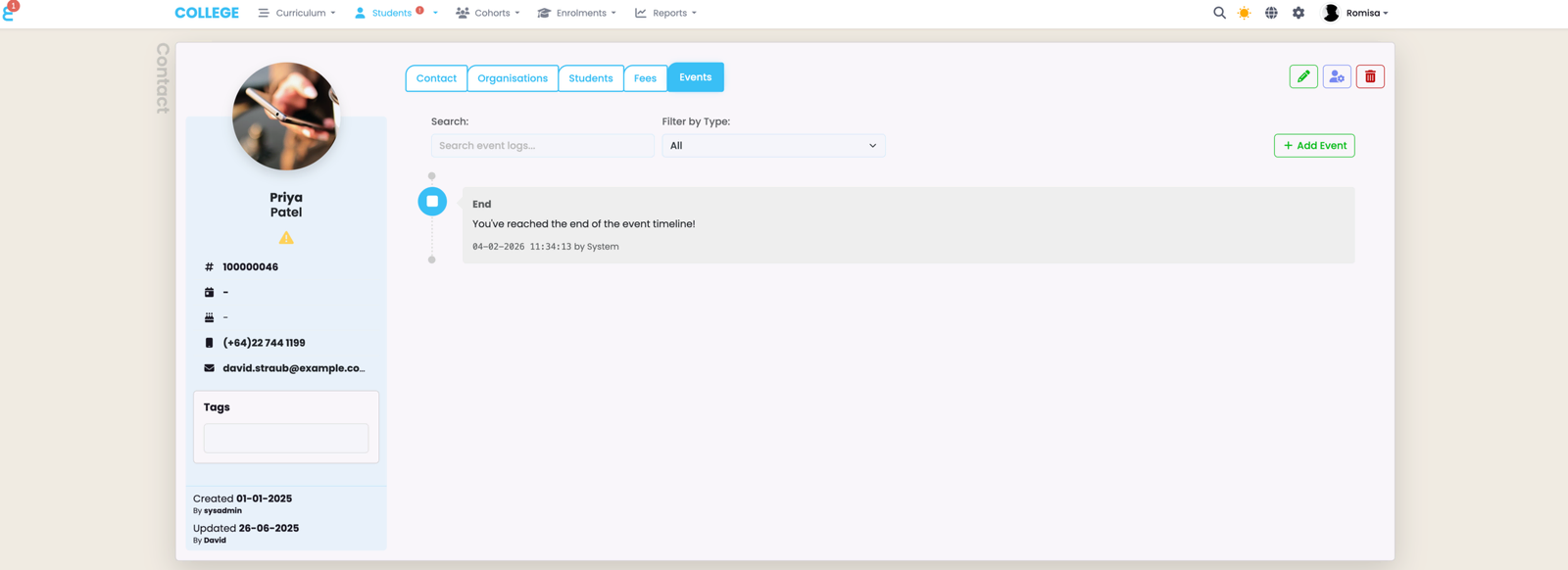
Add notes or tasks for internal Users regarding the Contact, which can be shown in the Stakeholder (Contact) Portal and/or Student Portals, if you have them enabled as a paid feature.
Last updated