
The Event Report keeps a log of all events created in SELMA, including system changes, and notes and tasks assigned to Users.
In this Section:
Event Report
Figure 1. Navigate from Reports > Event Report
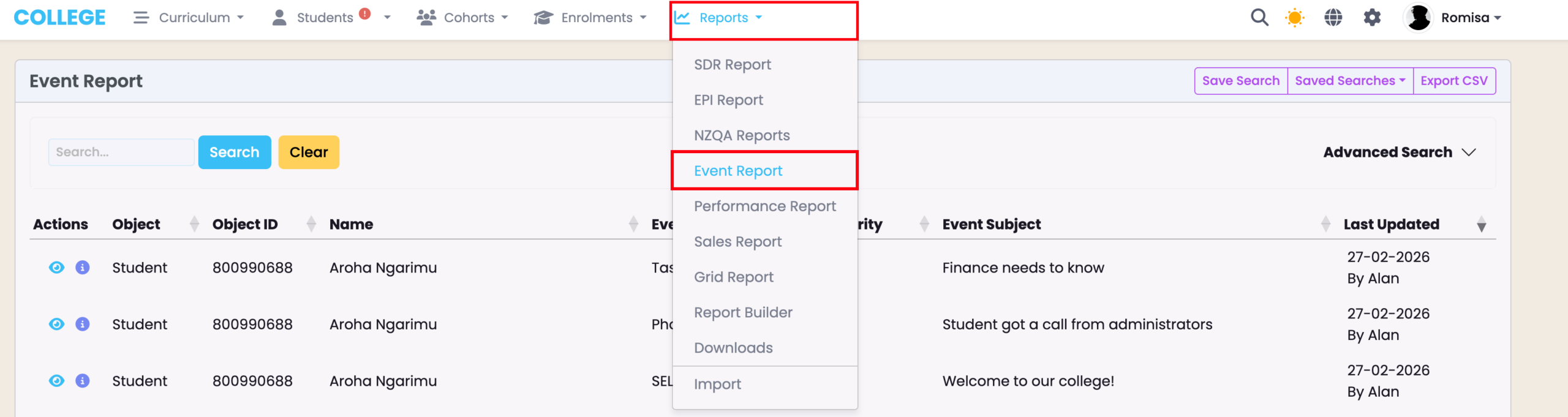
Figure 2. Event Log Entries
View a list of all Event log entries within the “Event Report” table. You can filter the table using the quick search, or Advanced Search criteria.
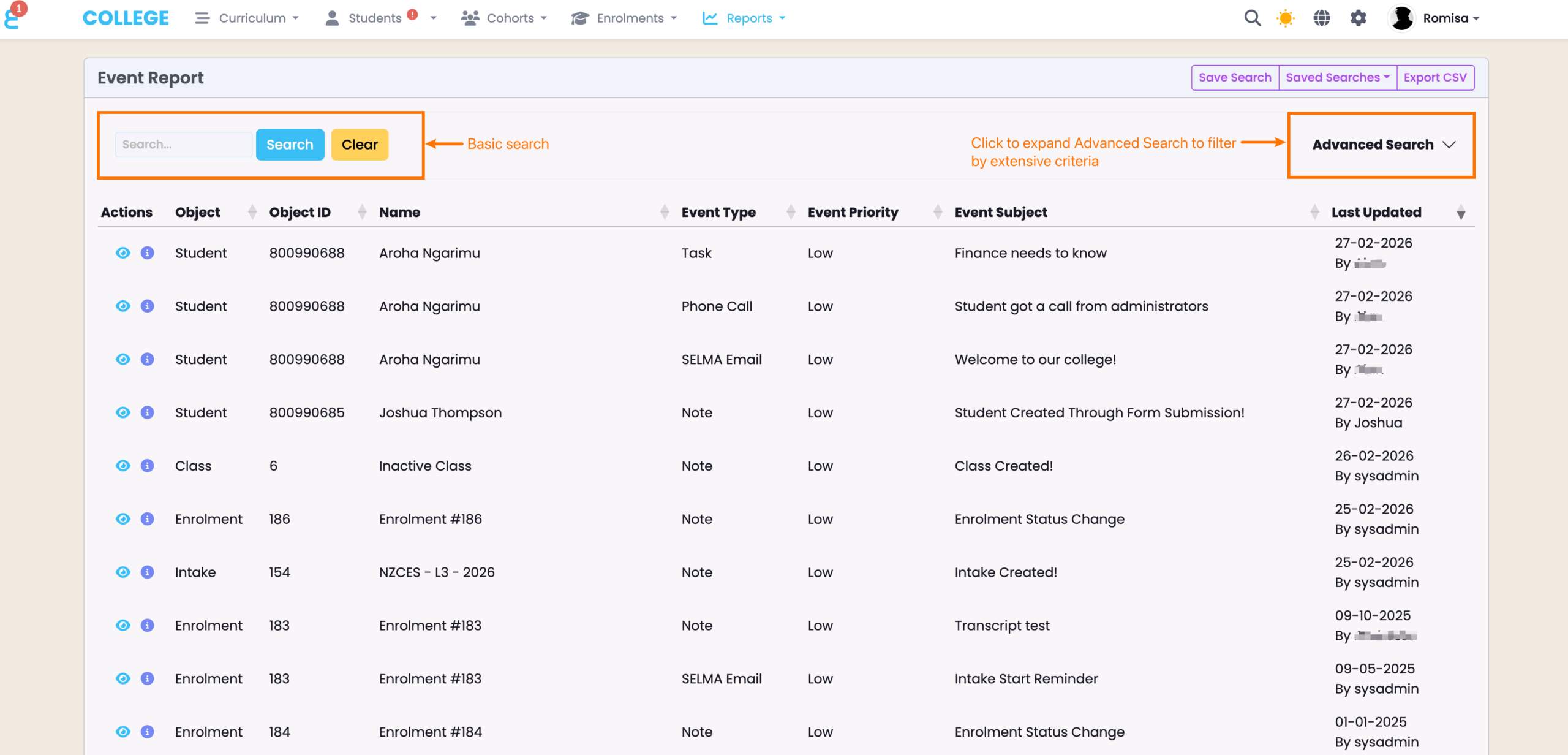
Advanced Search Criteria
If you wish to filter the Event Report by specific search criteria, you should use the Advanced Search dropdown fields. These criteria can also be saved for later use, making access to the grid display you need easier, and more efficient.
Figure 3. Use the Advanced Search
Here, the User has filtered for an Event type (2) that has been set against a specific Object (1), and clicked the blue Search button (3) to display their search results.
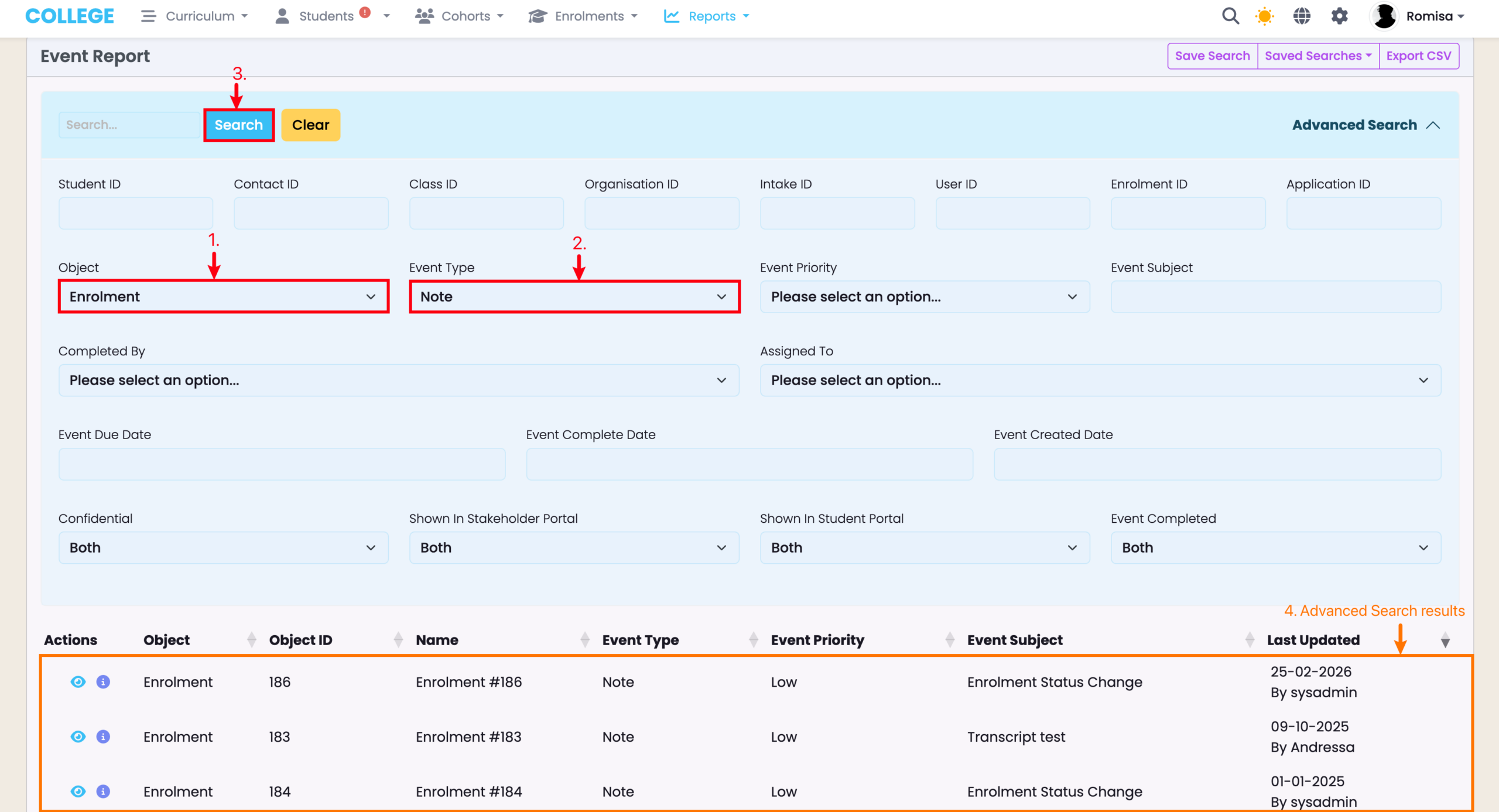
Figure 4i. Save the Advanced Search
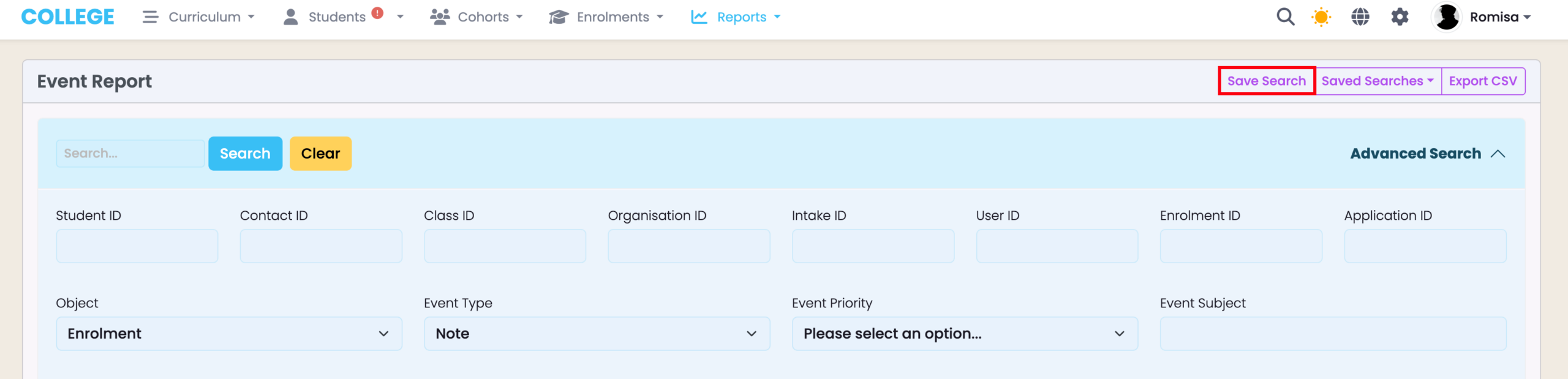
Figure 4ii. Create a Name and Add Filters
Create a name for the search criterion or criteria you are saving for later use. Ensure the “Search” checkbox is selected, and opt to include the Page Length, number of pages (Paging), and the Sorting of the grid results you are saving.
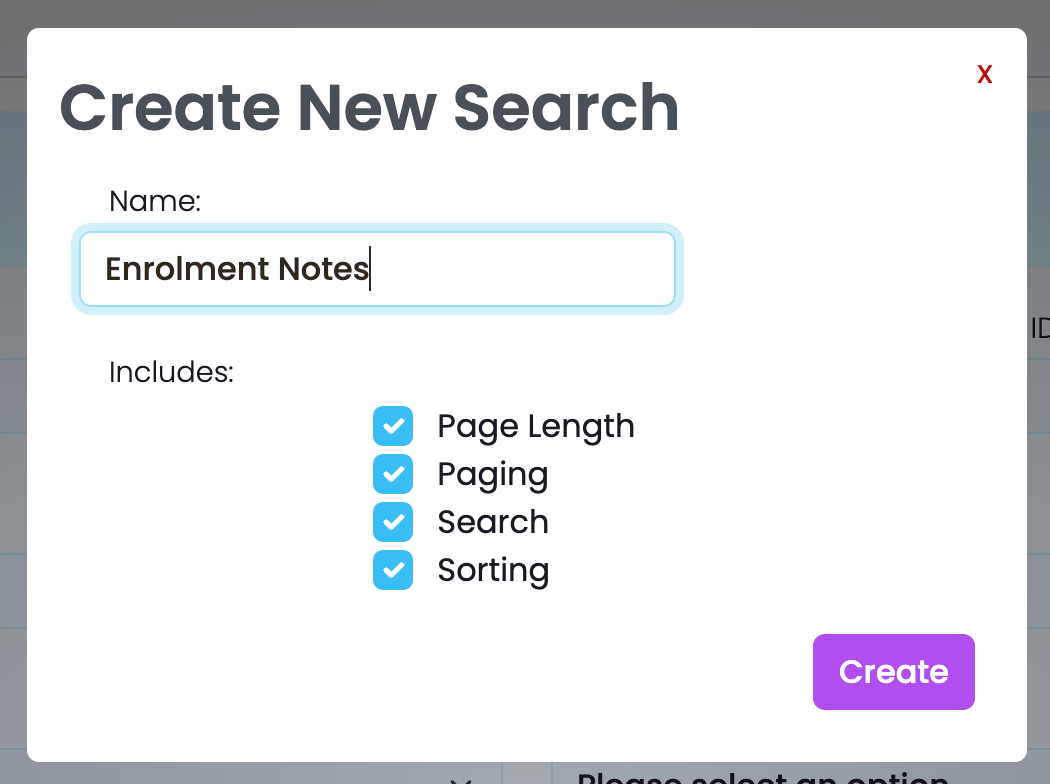
Figure 4iii. Access Saved Search
Click the Saved Search you have named to apply it to the Event Report table. Click the dropdown arrow next to the Search name to rename or remove the Saved Search.

Export Event Report
You can export the Event Report table, with or without Advanced search filters applied. The file type that is sent to your email is in CSV format.
Figure 5i. Export Search Results
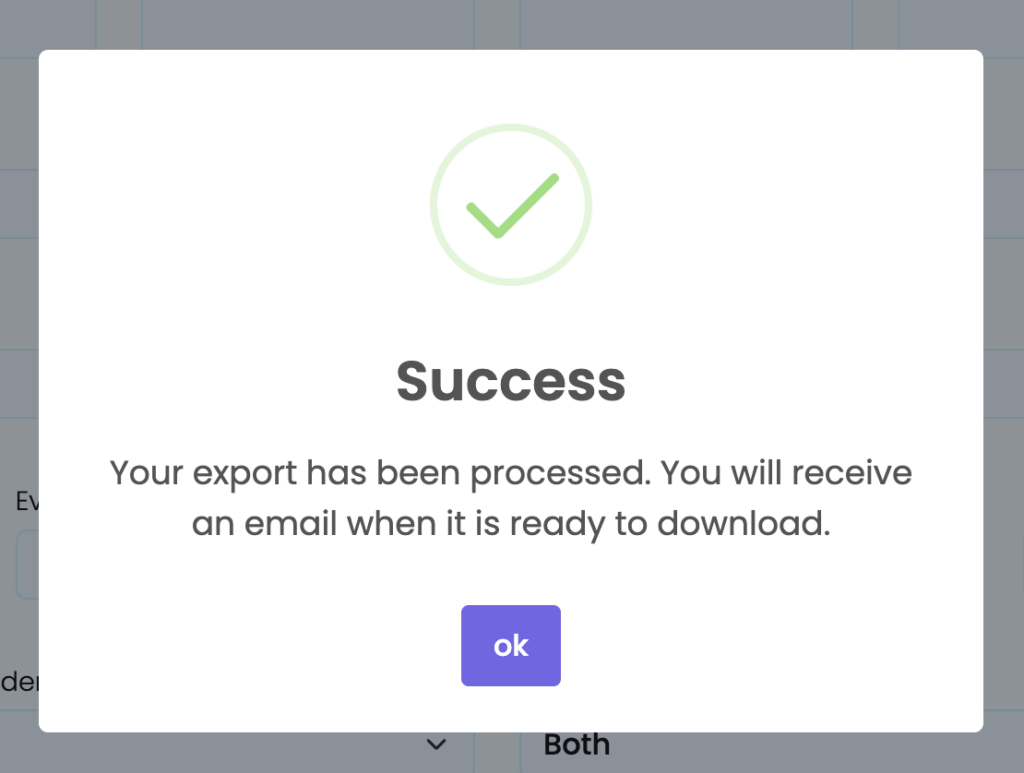
Click the “Export CSV” button to send an email to yourself containing the CSV of the Advanced Search results.

Figure 5ii. Confirmation Message
Please check your email inbox, including your spam or junk folders.
Failed Event Report Export
If the Event Report export to your email has failed, and you have checked that it doesn’t exist in your spam or junk folders, download the CSV file directly in SELMA.
Figure 6i. Navigate to Reports > Downloads

Figure 6ii. Download Event Report
