
Form Submissions are stored in an index on SELMA. From there, you can go directly to the Student profile that is associated with the form, to validate and enrol them into an Intake.
In this Section:
Submission Notifications
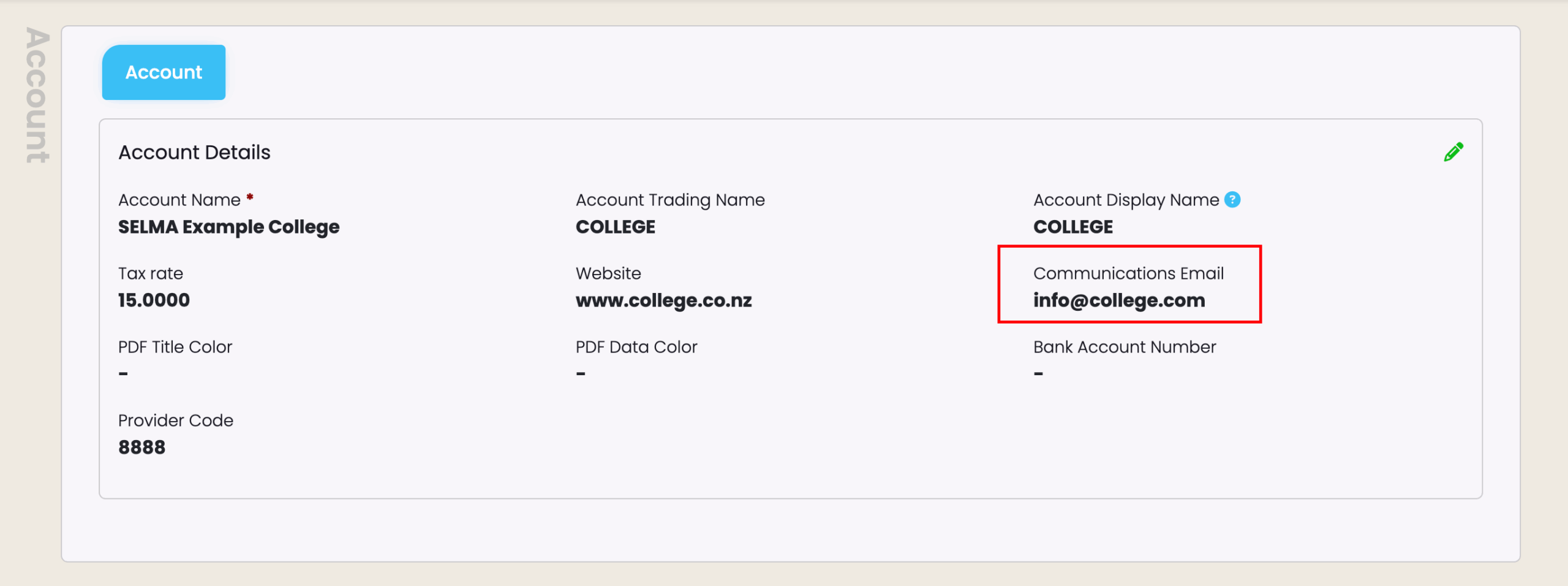
Form submissions are emailed as a PDF document to the Communications Email address specified on the Account level.
Figure 1. Navigate to Settings > Account
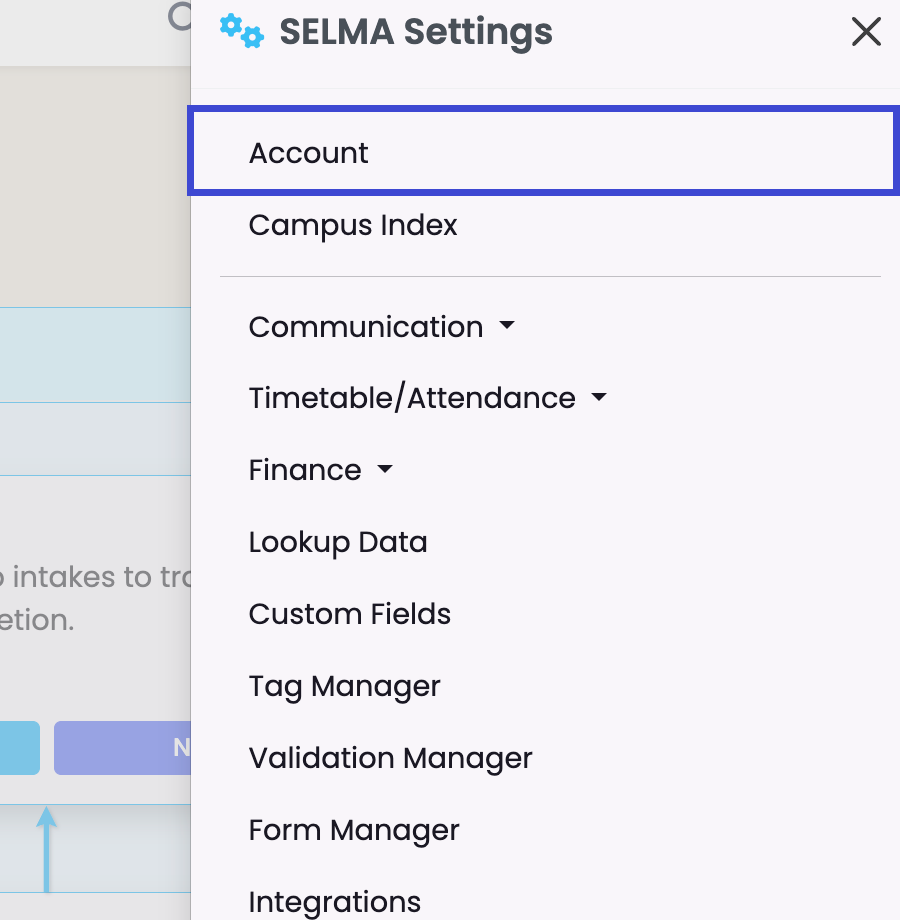
Figure 2. Communications Email
Form Submissions Index
Figure 3. Navigate to Students > Form Submissions
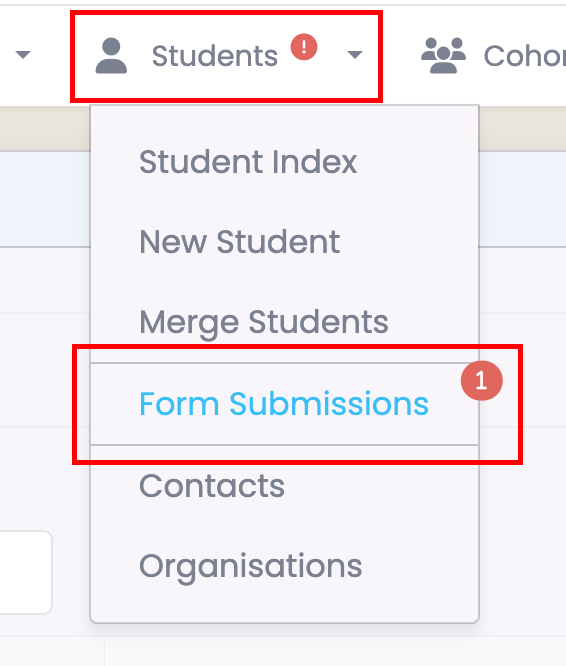
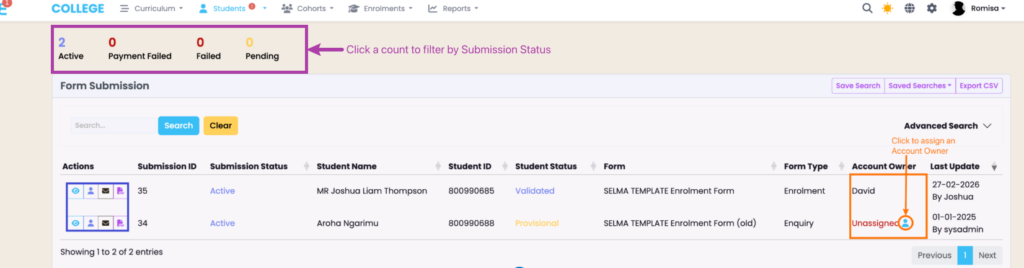
Figure 4. View Form Submission Details
Filter the Form Submission Index by Submission Status (purple), or apply Advanced Search criteria.
Note: Form Submission actions (blue) is discussed in the following section of this article.
Form Submission Actions
Breakdown of available actions, indicated by icon shortcuts on each form submission line:
 | View Student Open the student record associated with the submission. From their profile, you are able to validate the student and enrol them into an Intake, if necessary. |
 | Edit Account Manager Assign or update a tutor or account manager to the student. If a form is unassigned he “Account Owner” column of the Form Submission table includes a figure icon next to manager is unassigned. |
 | Send Email Open the email editor and send an email to the student. |
 | View PDF View all submission details on PDF format. |